
Switch between monthly and annual payment
Easily switch between monthly and annual payment for your subscription. This guide shows you how to do it and what the change means for your invoicing.
You can at any time change whether your subscription should be paid monthly or annually – directly from your dashboard.
Note: If you choose annual payment, you save 10 % compared to monthly payment.
How to do it
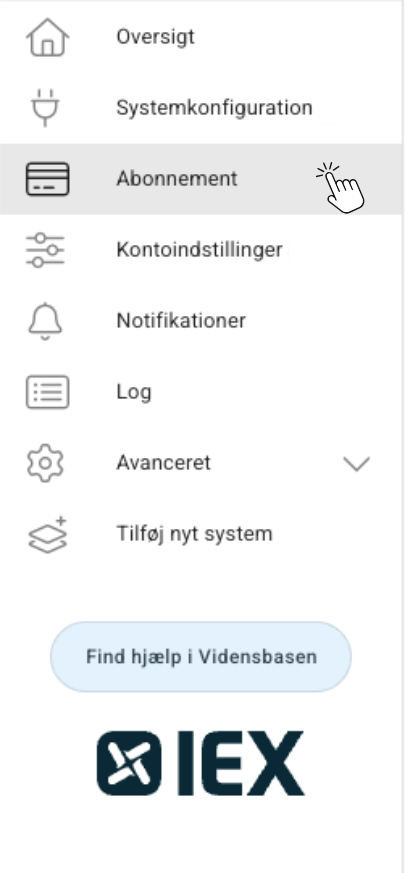
Log in to your Dashboard. Select Subscription in the left menu.
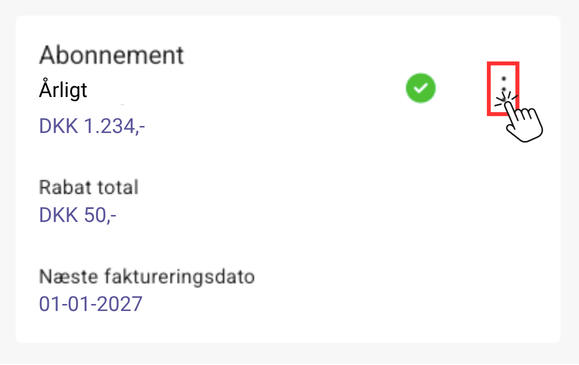
Click the three dots in the top right.
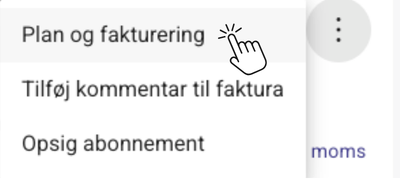
Select Plan and billing
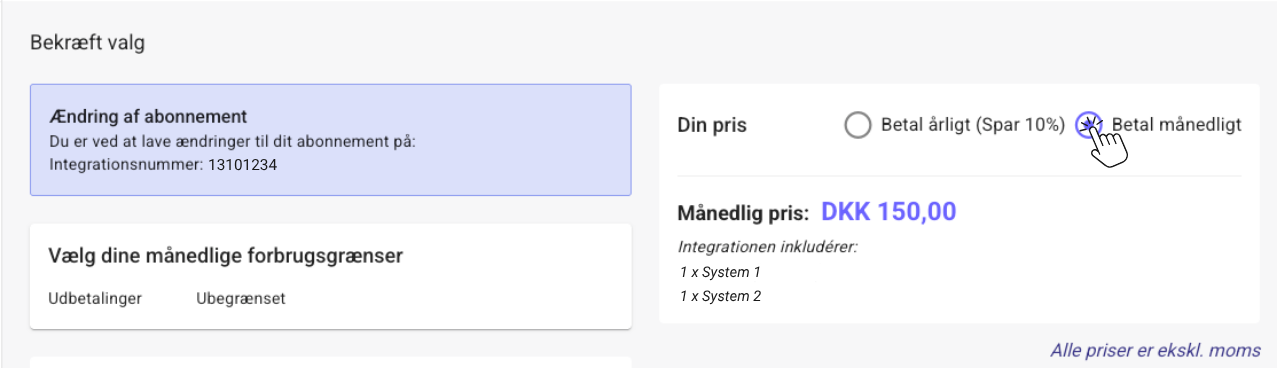
Choose if you want:
- Monthly payment
- Annual payment (Save 10 %)
Click Order in the bottom right to confirm the change.
When does the change take effect?
Your new subscription period will take effect from the next billing date. You can see this under Subscription.
What if you have just been invoiced?
Contact us at support@iex.dk, and we will see what we can do to help you in the best possible way.
Do you need help?
If you experience problems changing your subscription, you are always welcome to contact us.
Mail: support@iex.dk
Phone: 32224344 - tast 2
Mon-Thur: 09:00-15:00
Fri: 09:00-14:30