
Connect to Clearhaus
How to connect to Clearhaus
Create API keys
To connect to Clearhaus a Client ID and Client secret is needed. These are generated by creating an Oauth user in Clearhaus.
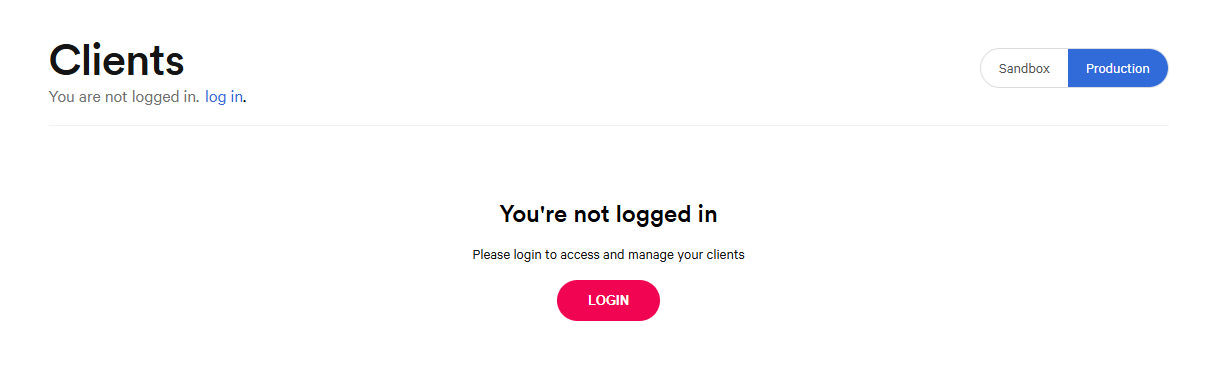
- Go to https://developer.clearhaus.com/merchant-api/clients/
- Click Login
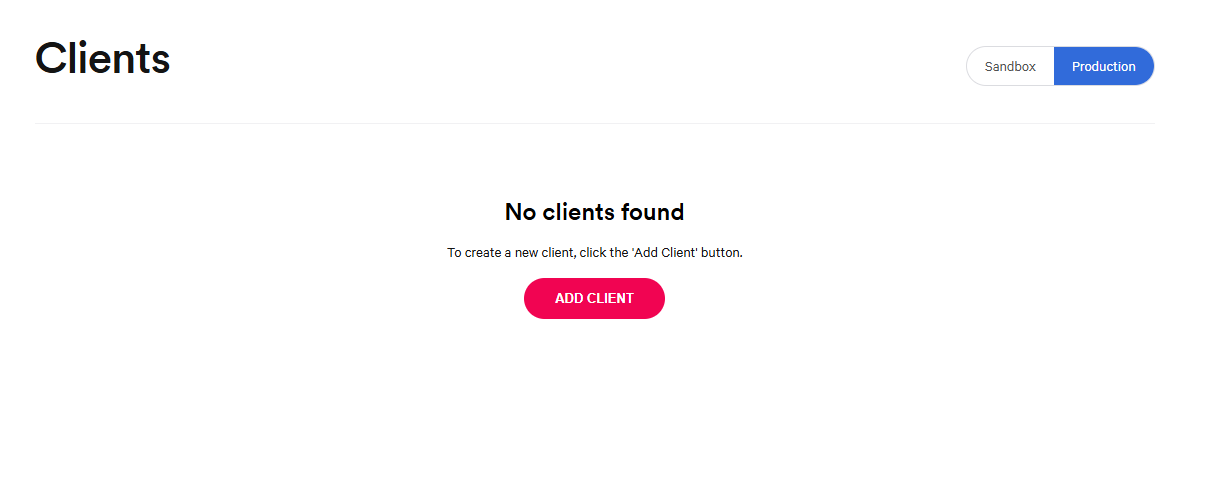
- Select Production and Press ADD CLIENT
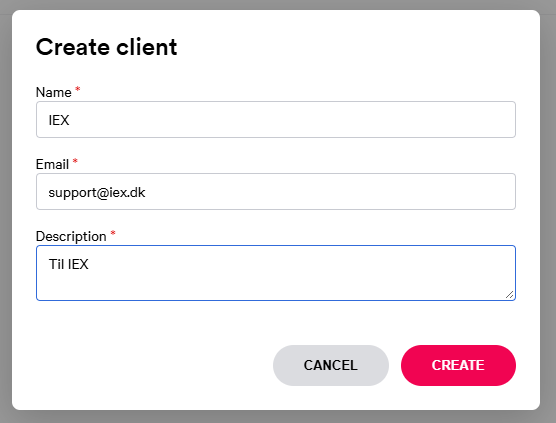
- Fill out the fields with the following IEX contact information:
Name: IEX
Contact email: support@iex.dk
Description: For IEX PayMatch - Press CREATE OAUTH CLIENT
- Copy the Client ID and Client Secret
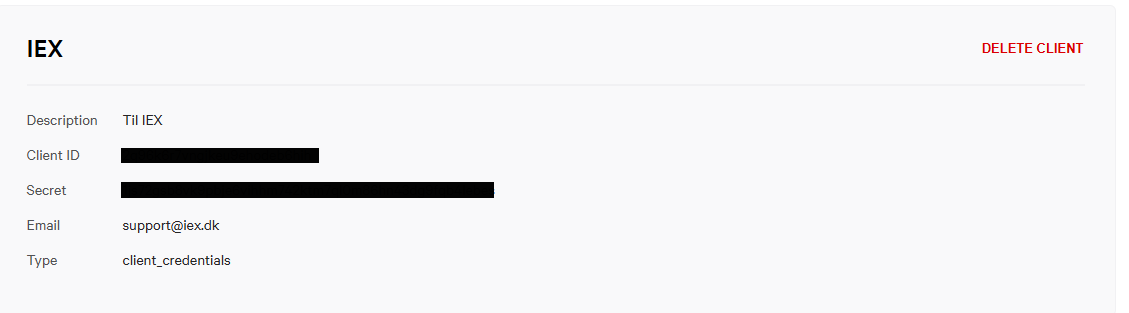
Insert the Client ID and Client Secret in IEX:
Log in to app.iex.dk -> System configuration -> Clearhaus -> Connect